Your entire Fediverse workflow. More than a scheduler.
FediSuite brings more than 20 Fediverse platforms into one workspace: create and schedule posts, organize campaigns, understand response and use your own data to improve the next post. Free, open source and self-hostable.
- Platforms
- More than 20 Fediverse applications
- Publishing
- Several accounts in one step
- Analytics
- From individual posts to trends
- Hosting
- Official instance or your own server
One place for your accounts, from Mastodon to PeerTube
Connect Mastodon, Pixelfed, Friendica, Pleroma, Akkoma, GoToSocial, Misskey and its forks, PeerTube, Loops, vutuv and many more platforms. FediSuite detects the software and capabilities of each instance and imports existing posts when its API provides them. Bluesky is available through an optional plugin and is not part of the Fediverse.
- Switch between accounts and instances in one workspace
- Keep follower counts, interactions and posts in view
- See notifications from supported platforms in one place
A composer that understands platform rules
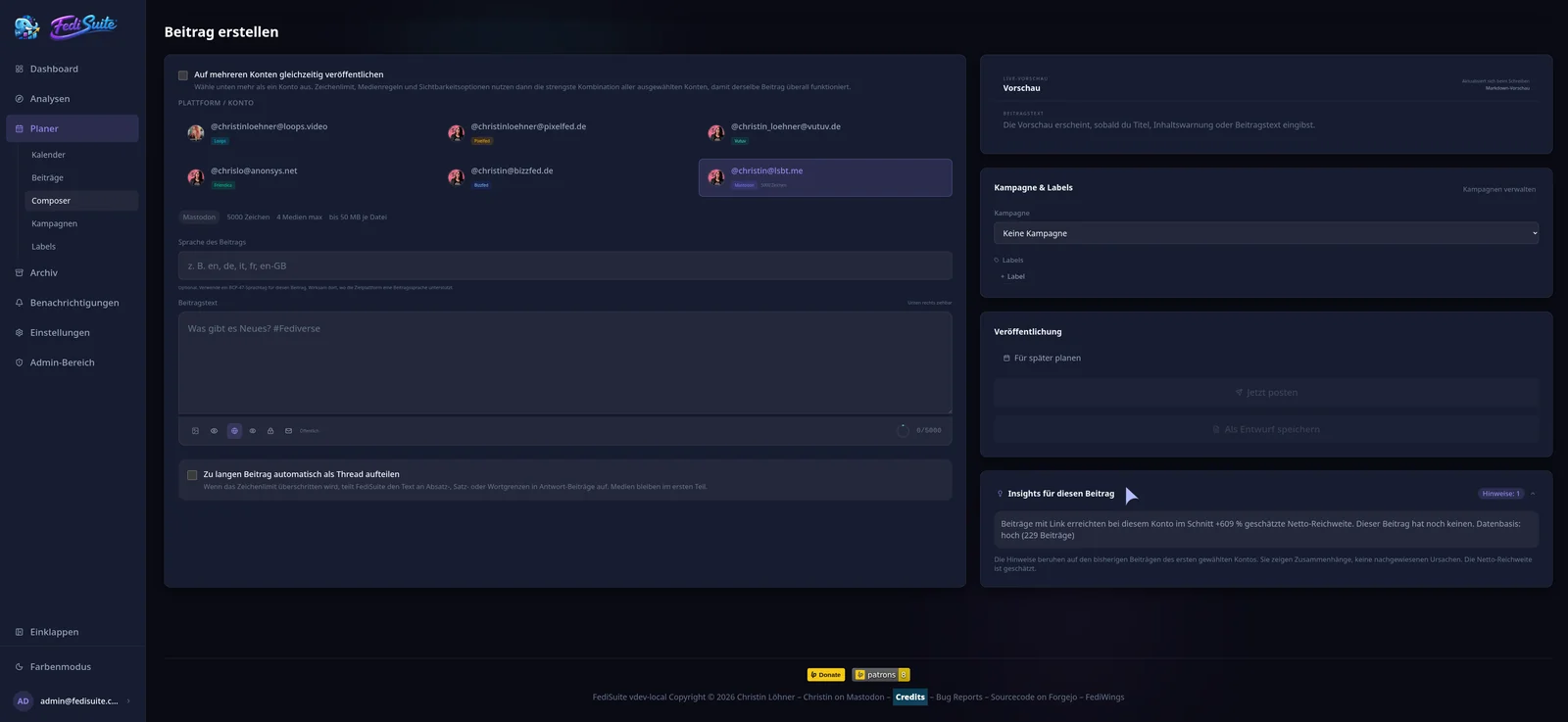
Write once for one or several accounts. The composer checks character and media limits against the common capabilities of the selected destinations. Visibility, content warning, post language, media order, alt text and image focus are part of the workflow where the platform supports them. The live preview follows the account’s text format, whether plain text, Markdown, BBCode or HTML.
- Publish now or schedule to the minute in your time zone
- Split long texts into threads at paragraph, sentence or word boundaries on supported networks
- Retry only the accounts whose publication failed
From the first idea to a published post
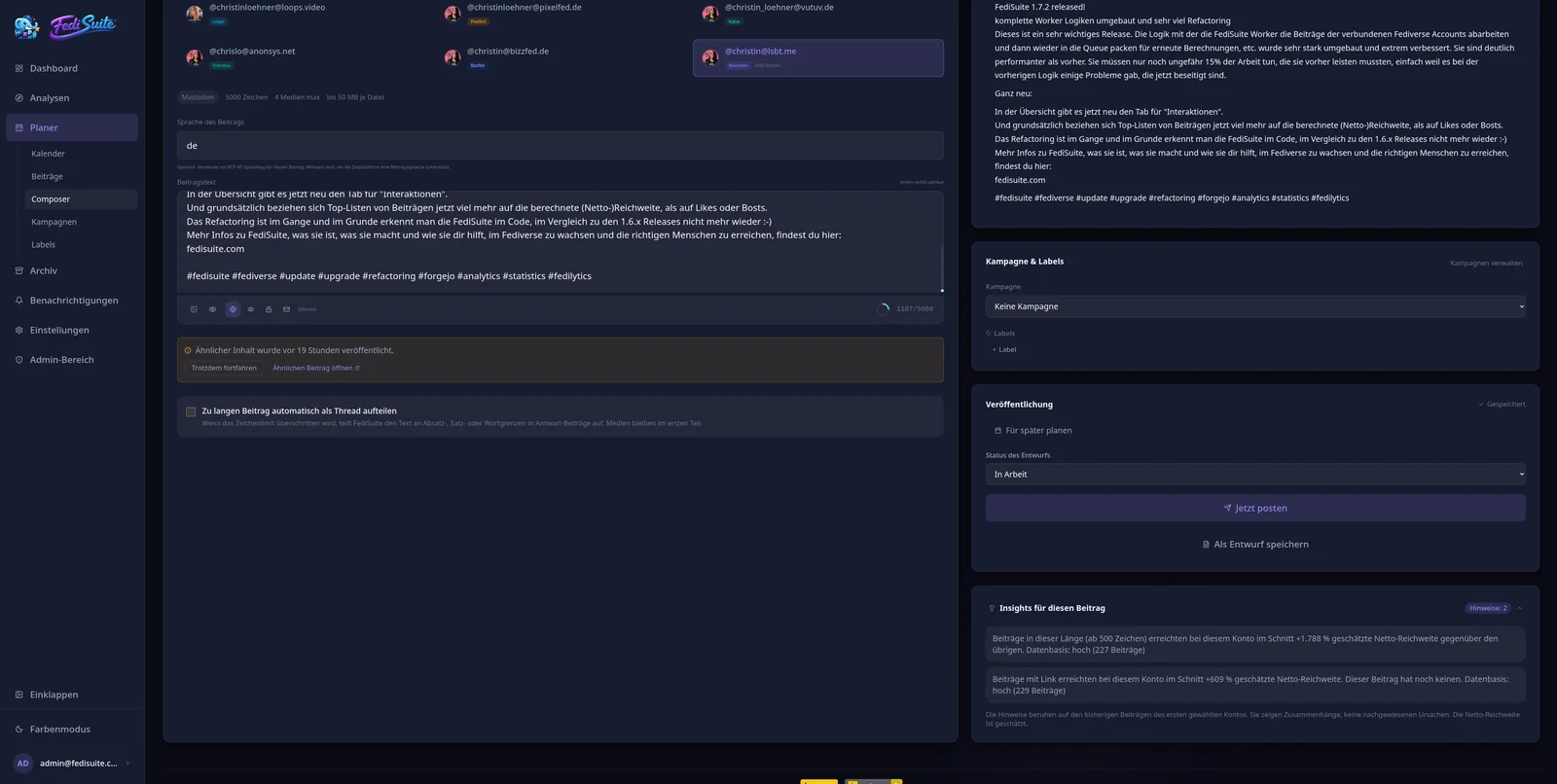
Save drafts without a publishing time, including for several accounts. The stages Idea, In progress and Ready to schedule keep the status clear. The composer saves changes automatically. A draft is never published by itself: you decide when to schedule or send it.
- Manage scheduled, published and failed posts separately
- Return a scheduled post to drafts or send it now
- Copy an existing post into a new draft and refine it
Editorial planning with a calendar and campaigns
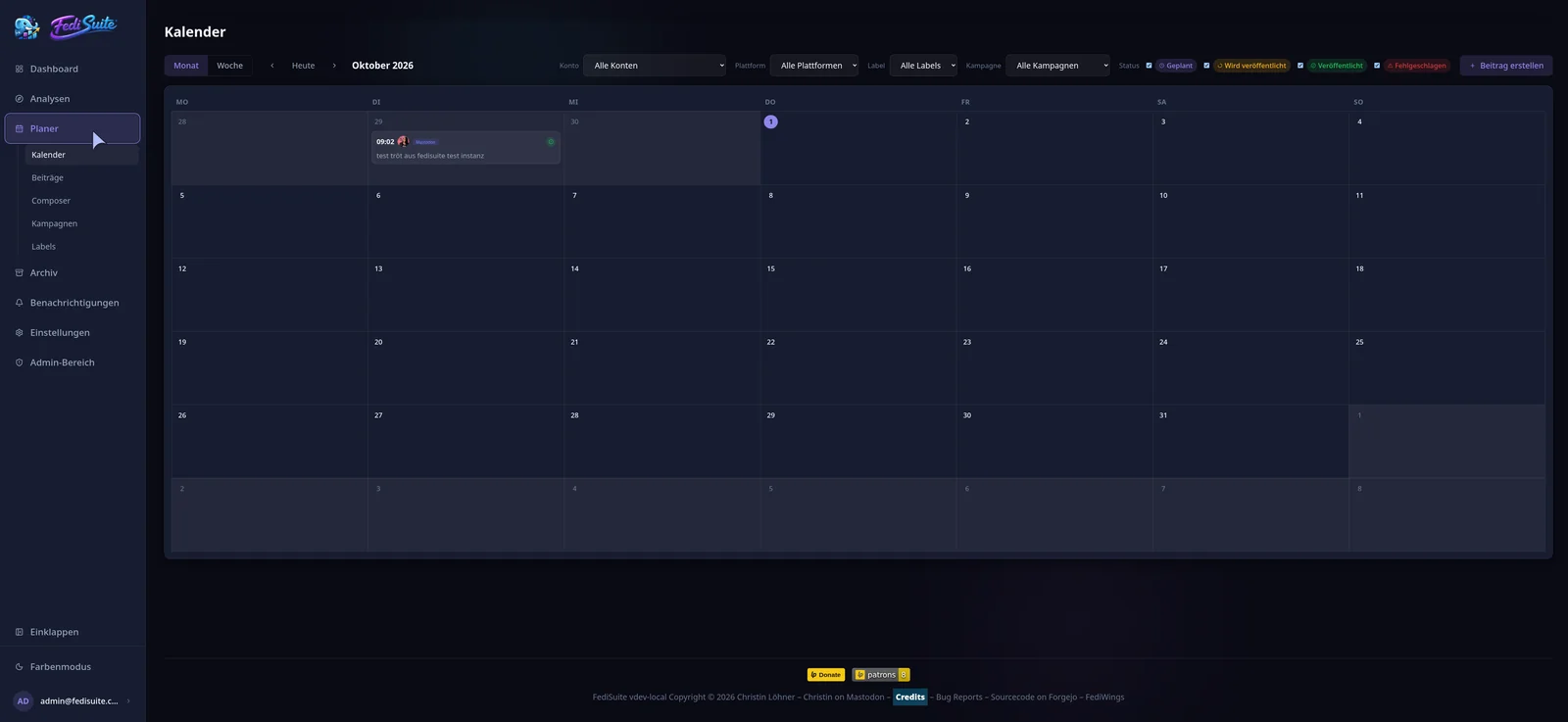
Monthly and weekly views show what is coming on each account. Filter by account, platform, status, label or campaign. Move scheduled posts by dragging them or from the details panel, with a confirmation either way. Campaigns give a release, action or themed week one organizing frame with a name, dates and labels.
- Private color-coded labels organize posts without becoming public hashtags
- Use campaigns and labels as filters in the calendar, post list and archive
- See strong time windows in the single-account week view when enough data exists
Analytics beyond follower counts
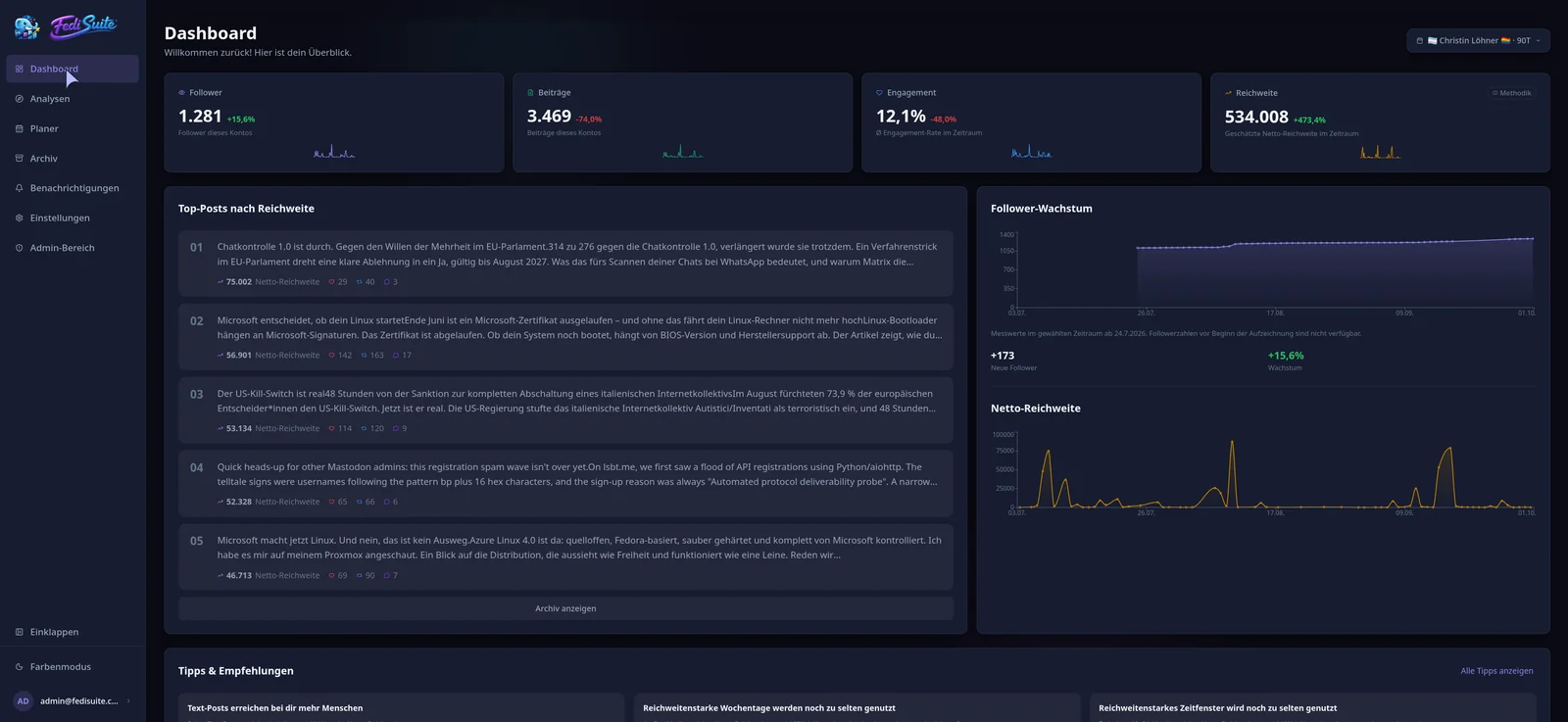
Compare follower growth, favourites, boosts, replies, engagement and your strongest posts. Analyze hashtags, weekdays, hours, text length, media and links. Label comparisons show how marked posts perform against the rest of an account’s posts, with trends only when the evidence is strong enough.
- Dashboard and analytics with periods and comparisons
- Best-time heatmap and content comparisons
- Community signals and advice based on your own account data
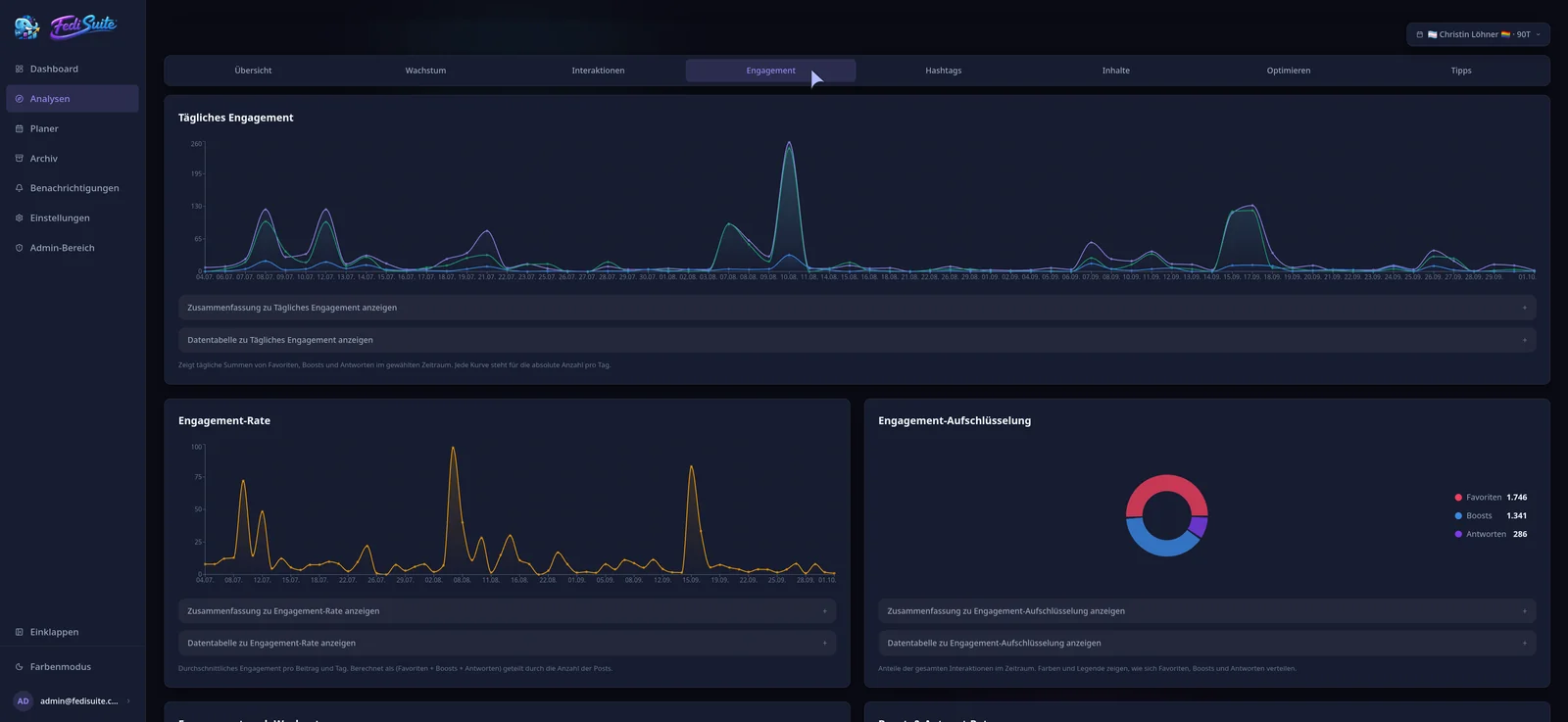
Estimated reach instead of invented impressions
For Mastodon and compatible platforms, FediSuite builds a potential gross distribution pool from the followers of an author and known boosters. A transparent heuristic estimates net reach from it. These are comparative values, not measured views or deduplicated people. PeerTube, Loops and Misskey do not have this reach estimate, but their available interaction and account data remain useful.
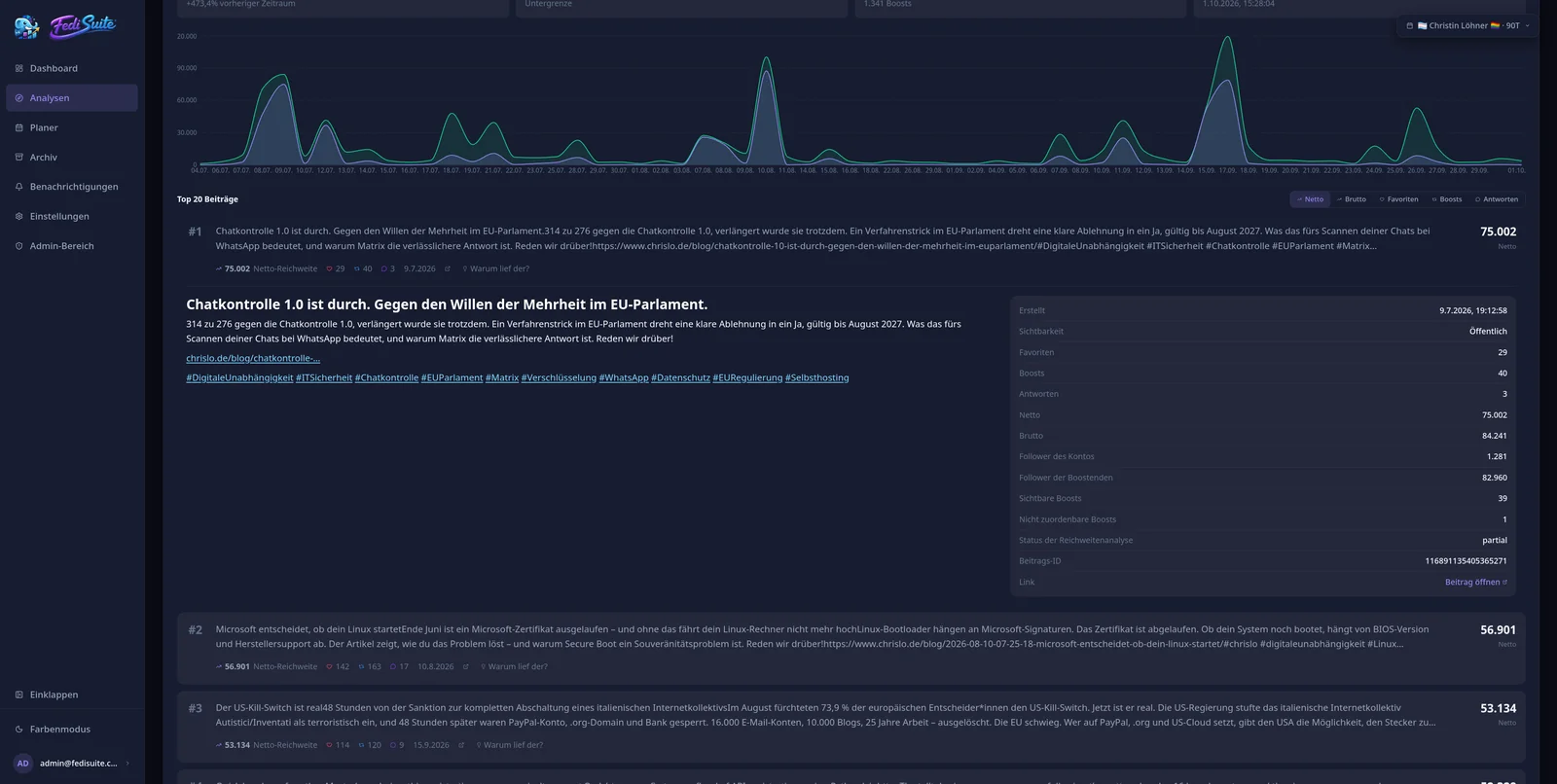
Turn your archive into a content library
Search historical posts in full text, filter by account, label and campaign, and sort by date, interactions or estimated reach. An old post can become a new draft. The “Interesting again” marker calls out past outliers; evergreen drafts live in their own collection. Nothing is automatically republished.
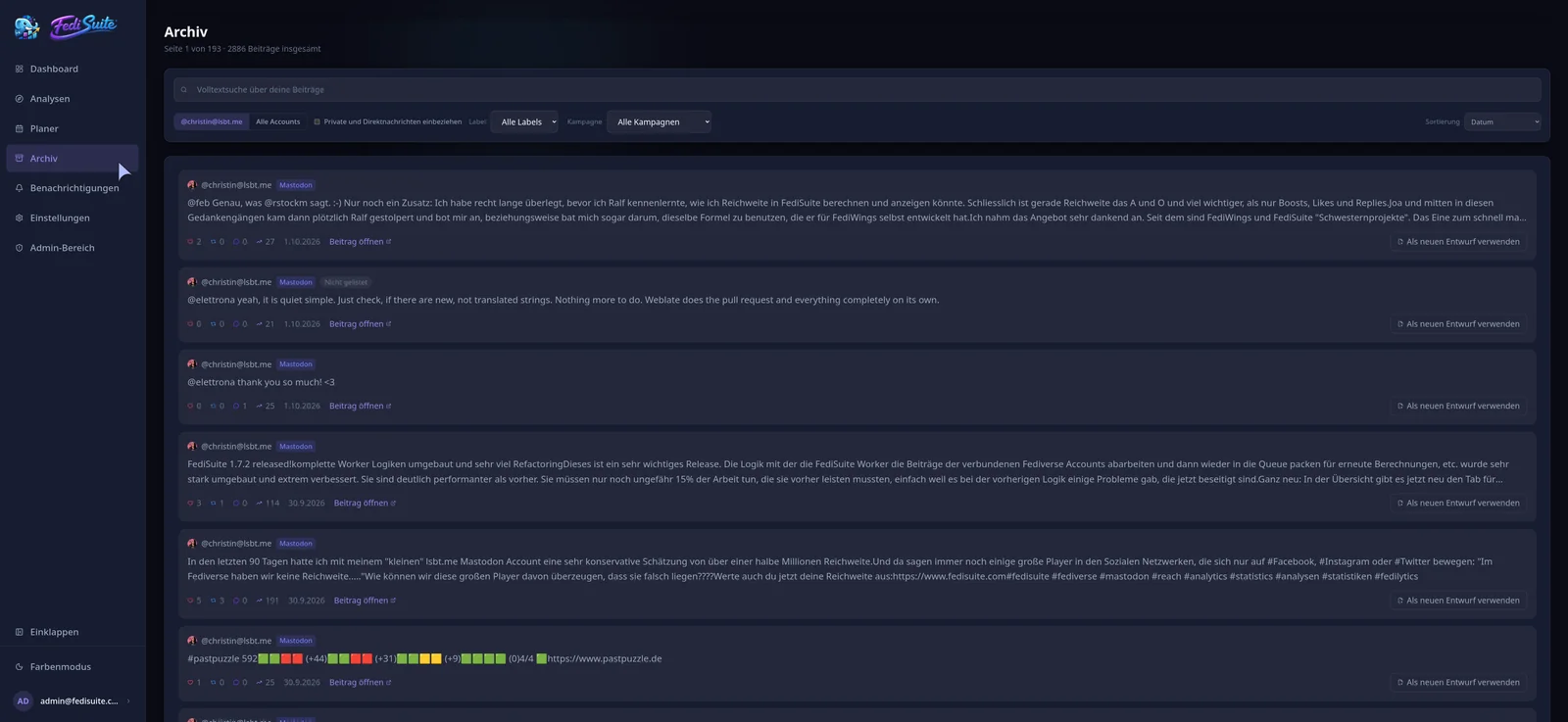
Use what you learned while writing
FediSuite brings analytics back into the composer. Up to five hints can show how text length, media, links and publishing time related to past results for that account. Similar posts from the last 60 days are flagged before you repeat yourself. When data is insufficient, FediSuite does not invent advice. Correlation does not guarantee success, but it gives you a better starting point for the next experiment.
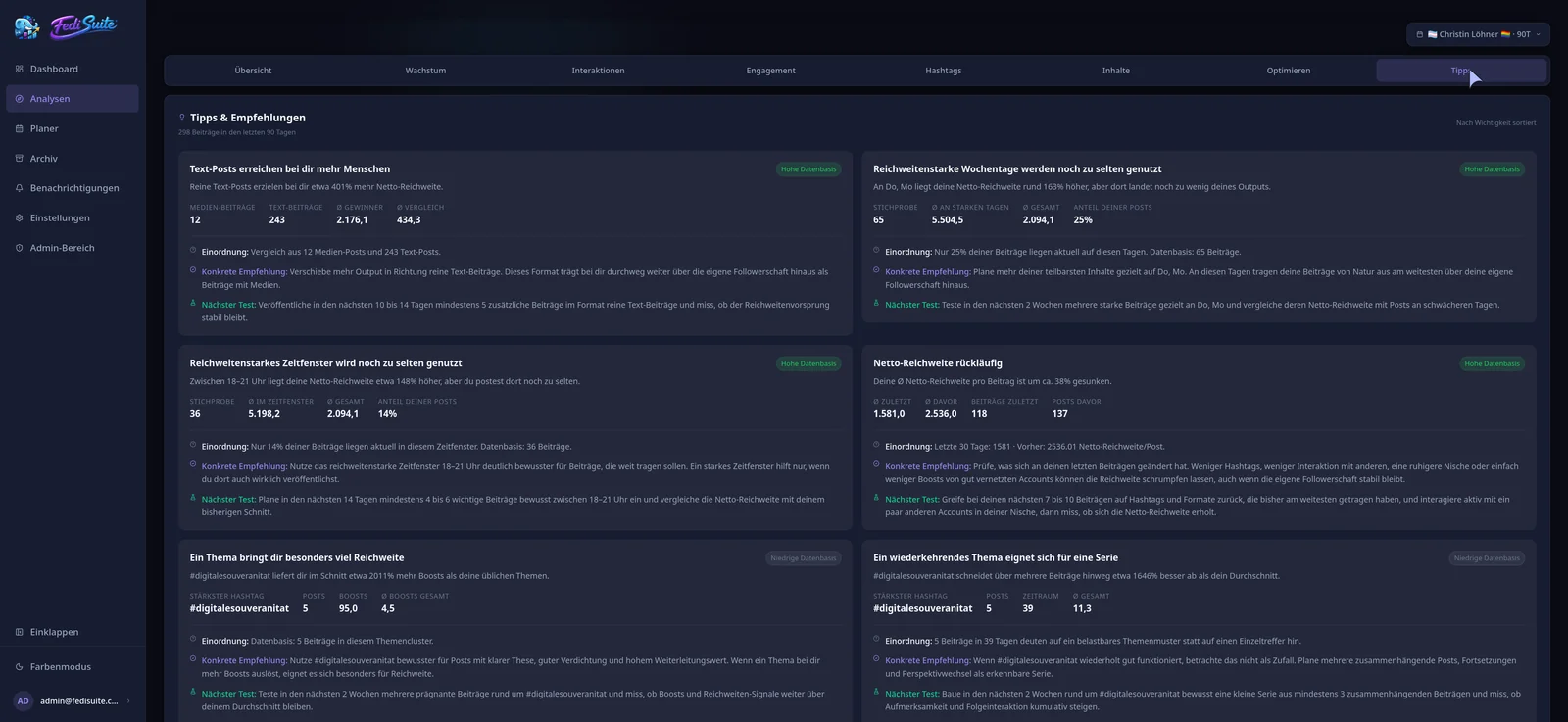
Open, controllable and extensible
Use the free official instance or run FediSuite yourself with Docker. The software is licensed under GPL-3.0, has no ads or tracking in the app and can be extended with plugins. Two-factor sign-in, session management and encrypted account credentials protect your workspace. Operators may switch off large feature areas through configuration.
Frequently asked questions
Is FediSuite only for Mastodon?
No. FediSuite supports more than 20 Fediverse platforms. Available features depend on each platform and instance.
Can I measure campaign performance?
Campaigns organize and filter posts. There is no dedicated campaign report yet; the performance of internal labels can be compared.
Does FediSuite measure real impressions?
No. For Mastodon and compatible platforms FediSuite estimates net and gross reach and explains the method and its limits.
Will drafts or evergreen posts publish automatically?
No. A post is sent only after you schedule it or choose to publish now.
Related
-
Fediverse Analytics
Statistics, reach and growth of your Fediverse accounts in one place.
-
Content calendar
Plan, filter and reschedule posts for several accounts in a calendar.
-
Platforms
All supported platforms and what FediSuite analyzes on each.
Try FediSuite
The official instance is free. If you want your data in your own house, run FediSuite with Docker on your own server.