Content Calendar and Post Scheduling for the Fediverse
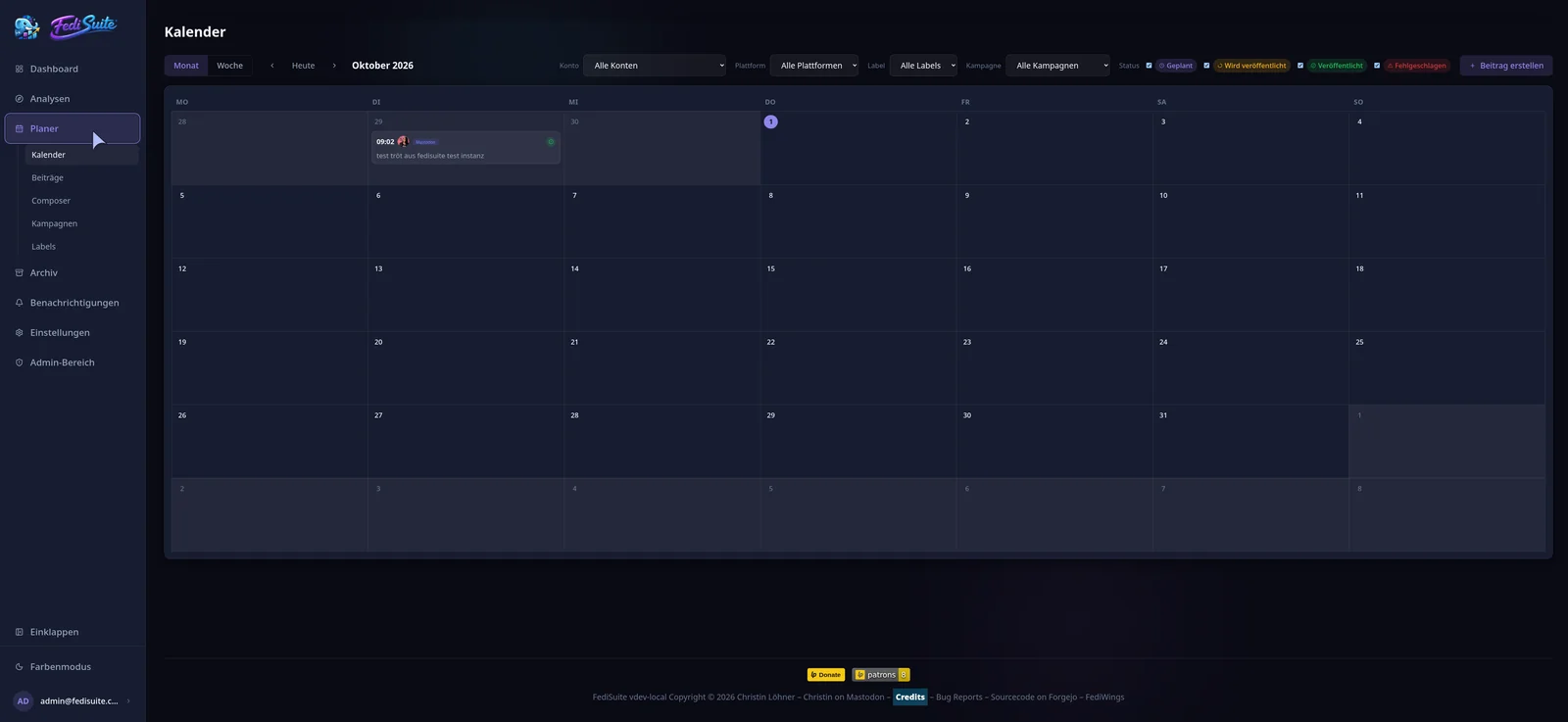
The content calendar shows what appears on which account and when. You schedule posts for several Fediverse accounts in one view and reschedule them by drag and drop.
- Views
- Month and week
- Filters
- Account, platform, label, campaign, status
- Rescheduling
- Drag and drop with confirmation
- Accounts
- Several platforms at once
The calendar at a glance
The calendar shows scheduled, currently publishing, published and failed posts. Times follow your time zone. A click on a day or an hour opens the composer with that date.
A post opens in a side panel. From there you publish it immediately, retry a failed post, turn it into a draft or copy it as a new draft.
Filter by account, platform, label, campaign and status
If you look after several accounts, the calendar quickly shows where there is a gap or where posts pile up. The filters sit behind a button that displays the number of active filters.
Scheduling and writing for several accounts
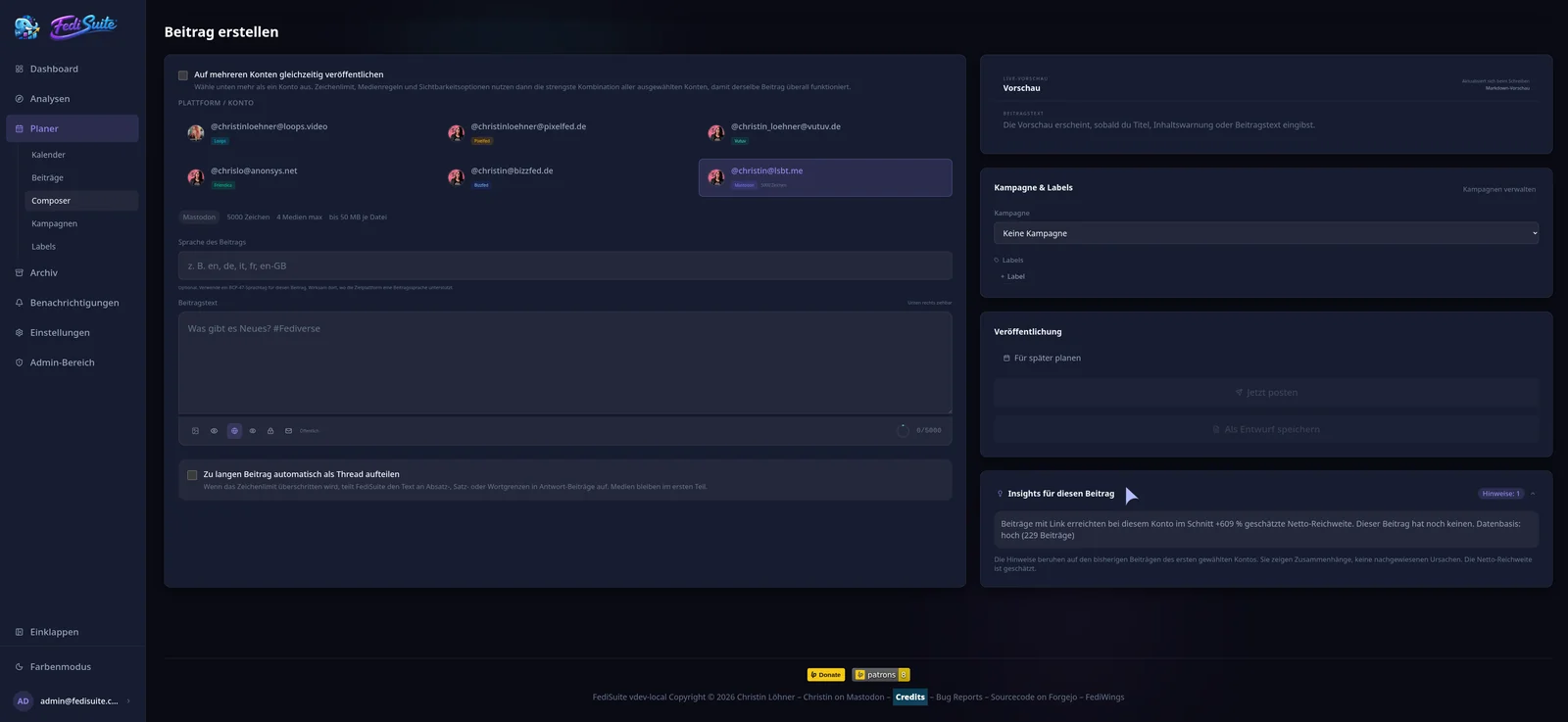
In the composer you write one post and choose the accounts it appears on. FediSuite knows the rules of each instance, meaning character limit, media count and visibility, and reports deviations before you send. On platforms that support it, long texts are split into threads automatically.
Drafts without a date do not appear in the calendar, they live in the post list.
Making good time slots visible
In the week view of a single account, the calendar marks times at which this account has so far achieved above-average reach. The marker reads "Good" or "Above average" and only appears with enough data.
Frequently asked questions
Can I schedule Mastodon posts?
Yes. You choose date and time in the composer and FediSuite publishes the post at the planned time on your Mastodon account.
Can I schedule one post for several accounts?
Yes. You write it once and select the accounts, including accounts on different platforms.
How do I reschedule a post?
By drag and drop in the calendar or in the side panel of the post. FediSuite asks before moving it.
Which time zone does the calendar use?
Yours. Dates are shown and entered in your time zone.
Related
-
Campaigns
Group posts into campaigns and sort them with labels.
-
Best time to post
Heatmap by weekday and hour, calculated from your own posts.
-
Fediverse Analytics
Statistics, reach and growth of your Fediverse accounts in one place.
Try FediSuite
The official instance is free. If you want your data in your own house, run FediSuite with Docker on your own server.